

Capture everything.
Stay effortlessly organized.
A beautiful AI notebook for notes, checklists, voice memos, photos, drawings and reminders—with private Circle sharing and offline-first writing.
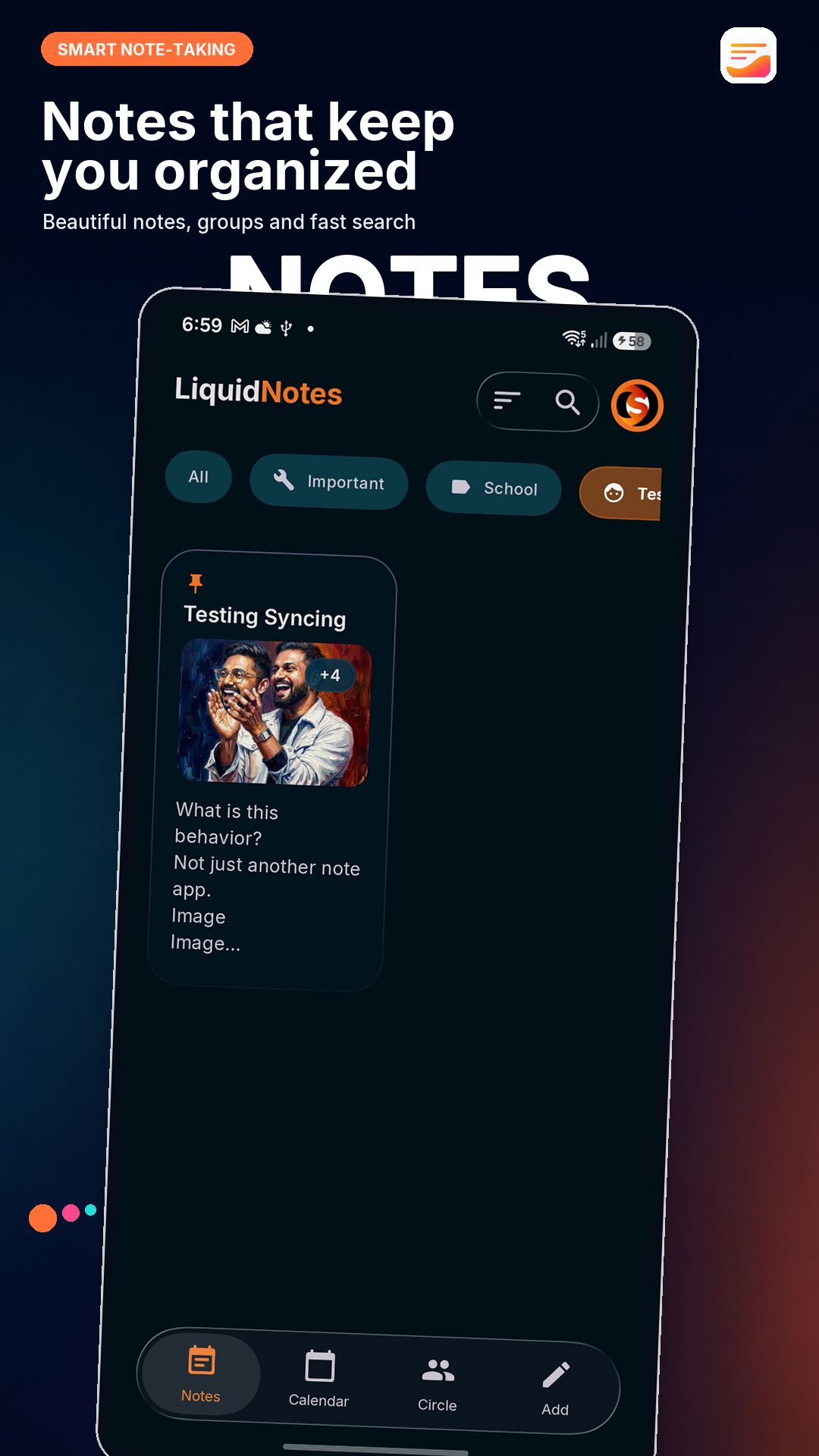
More than text.
Capture ideas your way.
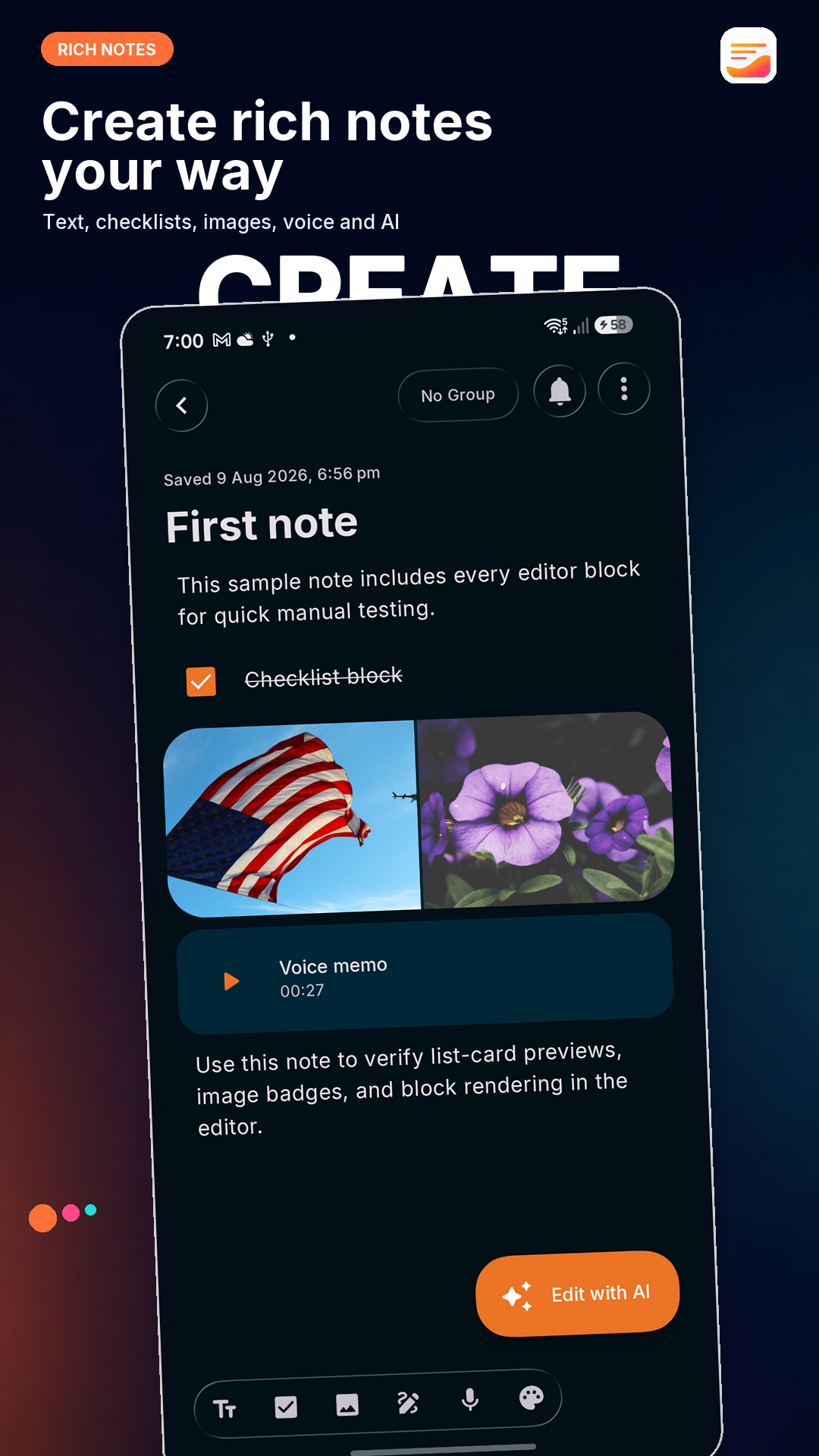
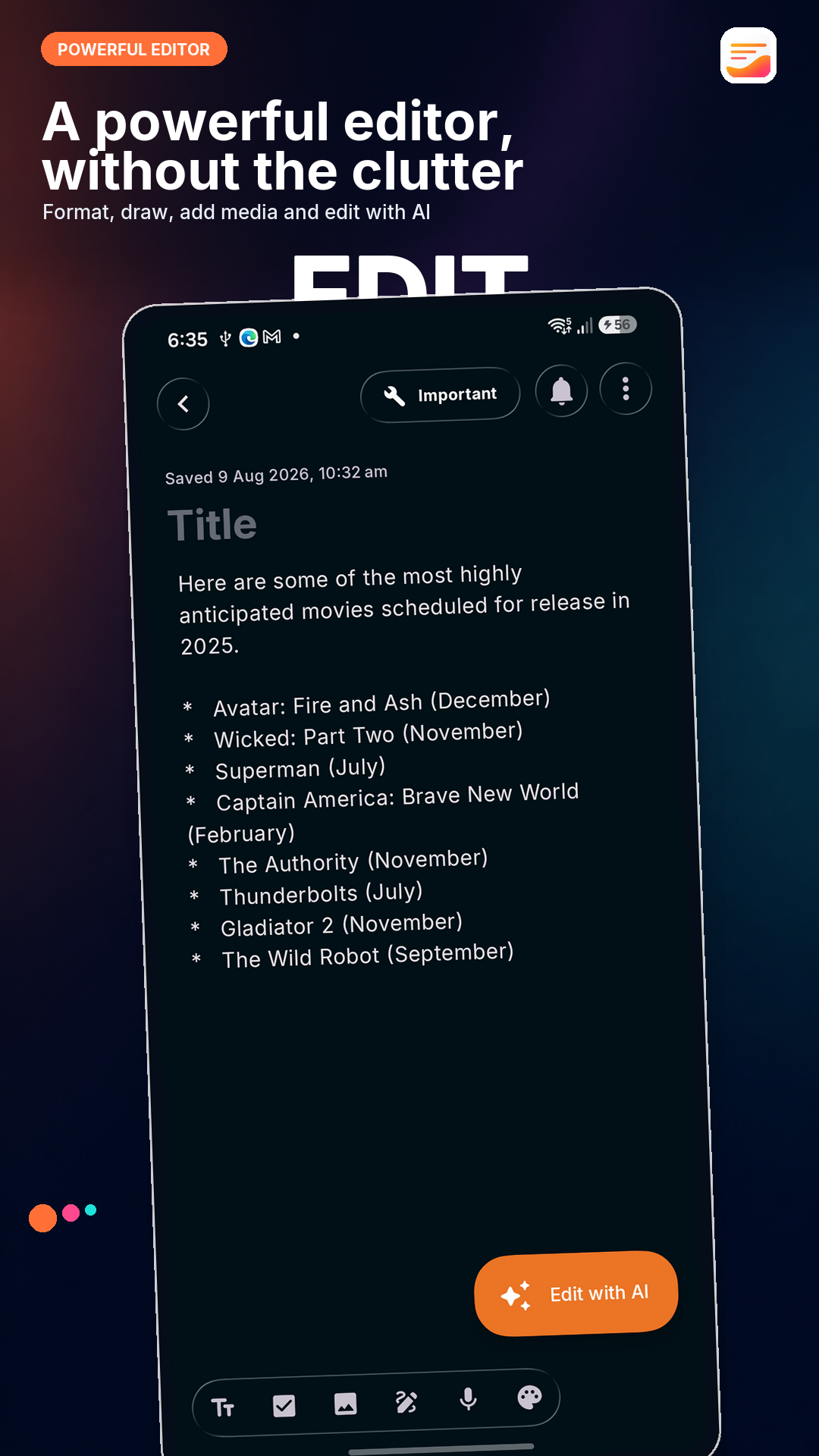
Create quick notes, meeting notes, study notes, journal entries and everyday lists in a rich editor that stays out of your way.
- Build interactive checklists for tasks and planning
- Add photos, images and hand-drawn sketches
- Record and play voice memos inside your notes
- Set a date and time reminder for any note
Organize everything intuitively.
Build a digital notebook with custom groups for work, study, personal plans and ideas. Search every note, pin what matters, sort your library, browse by date, archive safely and manage notes in bulk.
Write smarter with an AI note assistant.
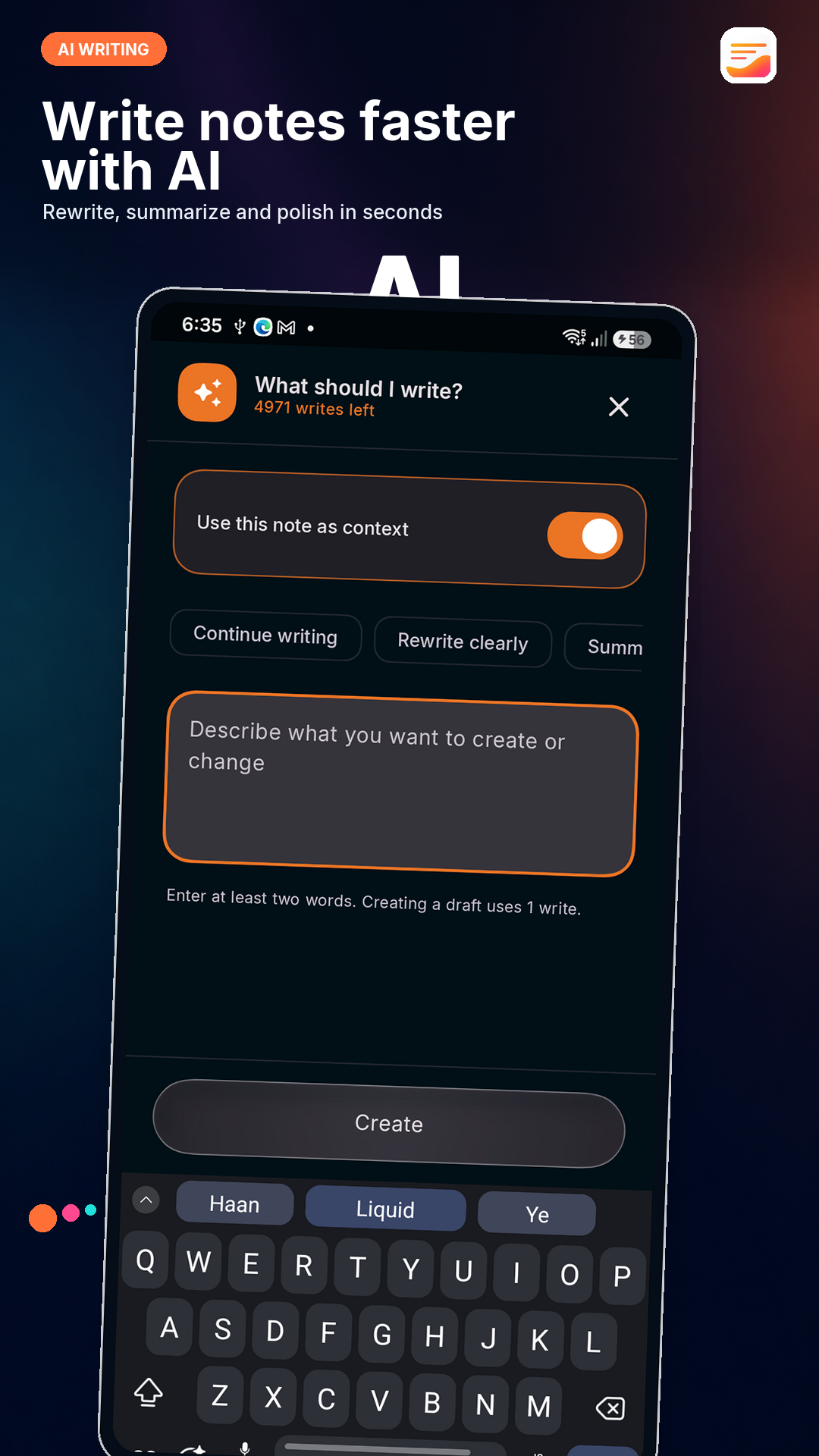
Turn a prompt into a structured note, continue an unfinished idea, rewrite text clearly, fix grammar or summarize longer writing. Review the result before inserting it, replacing text or trying another version.
You decide when the current note is shared as AI context. AI usage requires an internet connection and is subject to plan limits.
Share meaningful notes with your Circle.
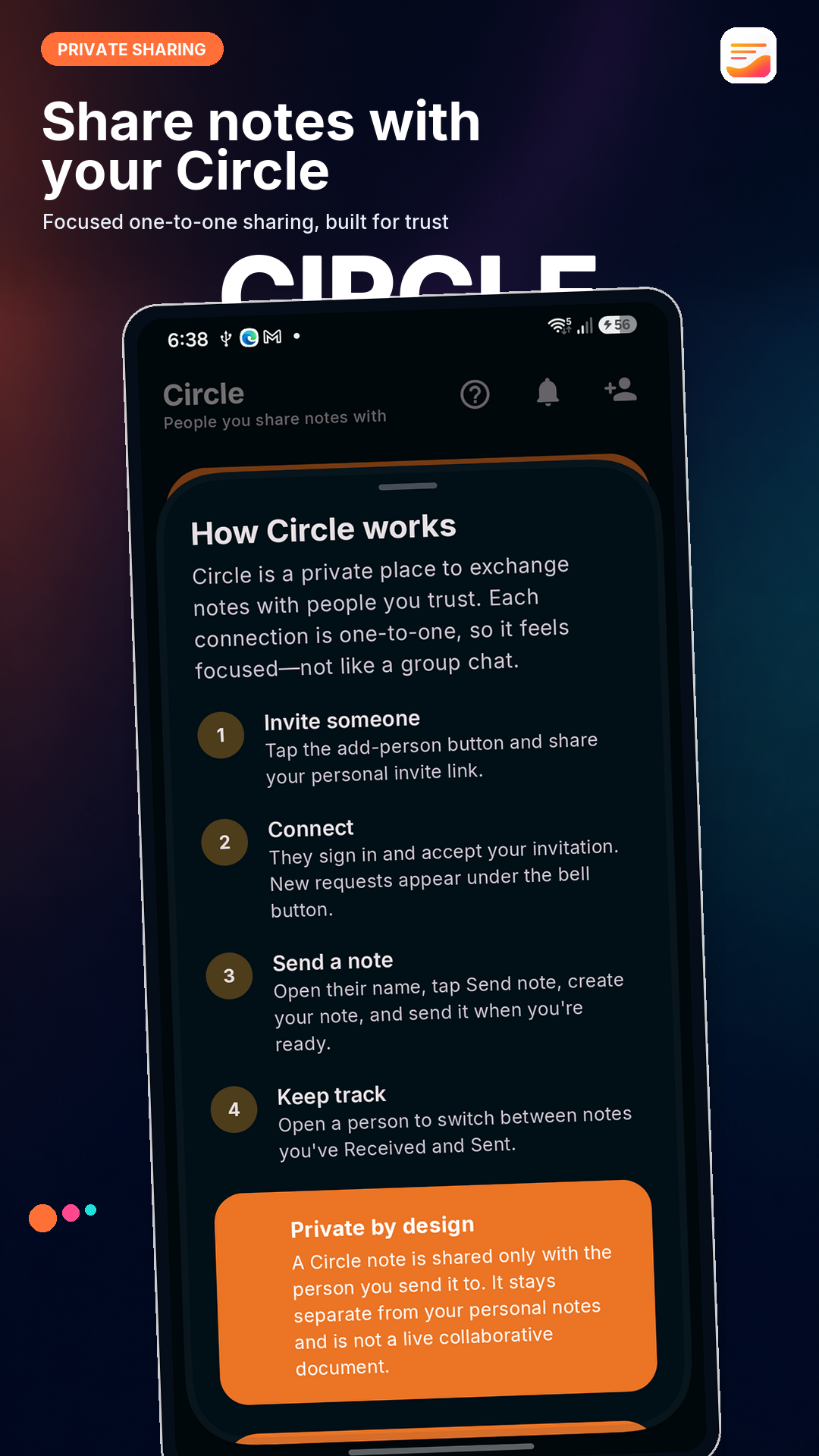
Connect through a personal invite link or username, then exchange rich notes in a focused one-to-one space. Separate Received and Sent views make every shared note easy to revisit without turning your notebook into a group chat.
- Deliberate sharing with people you accept
- Notifications for requests and new Circle notes
A complete notes and notebook app
Capture, organize, remember, personalize, sync and share—without losing the calm writing experience.
Rich notes
Combine text, interactive checklists, photos, drawings and voice memos in one focused note editor.
Reminders & calendar
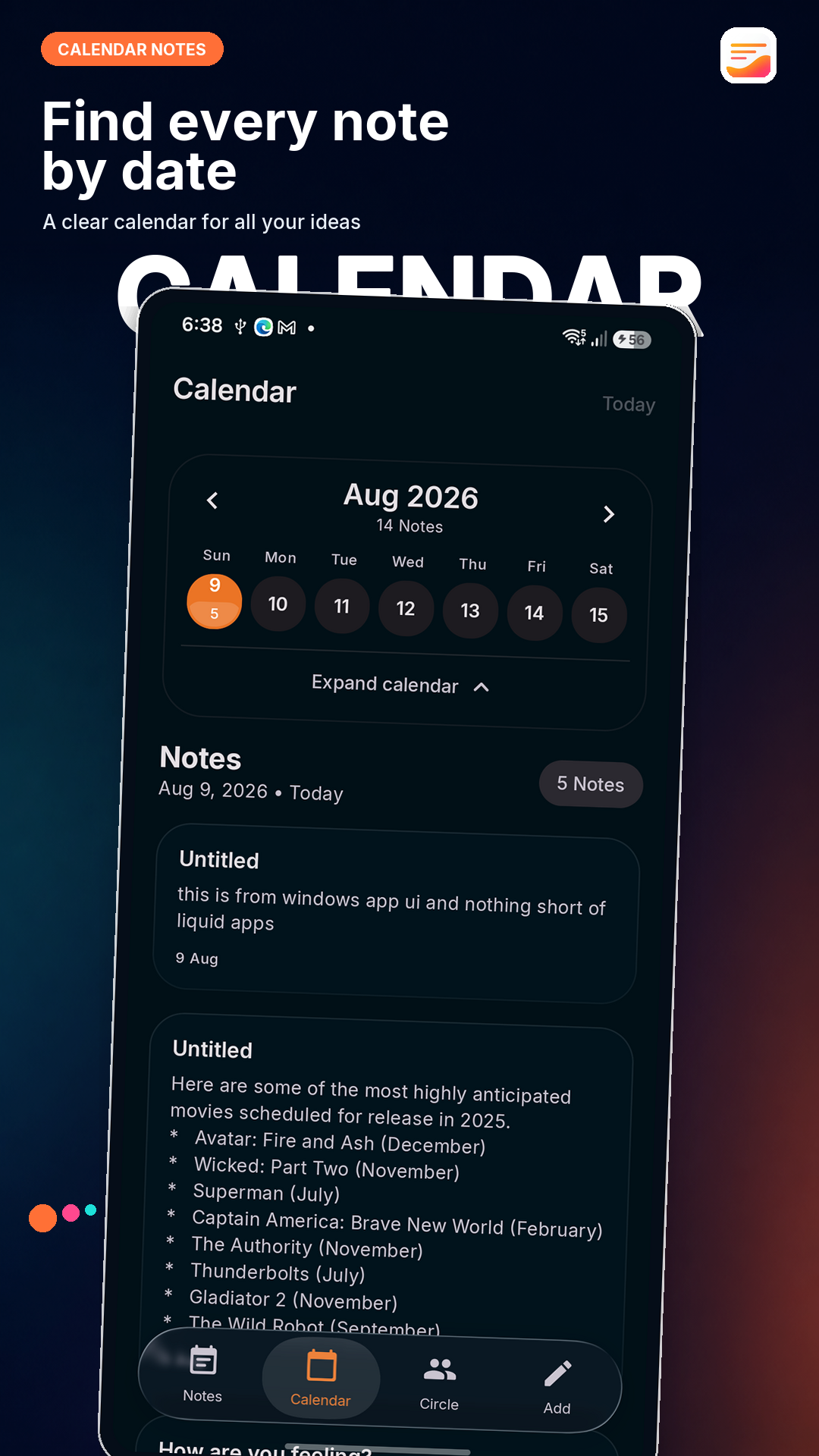
Add a date and time reminder to any note, then browse your notebook by date in Calendar.
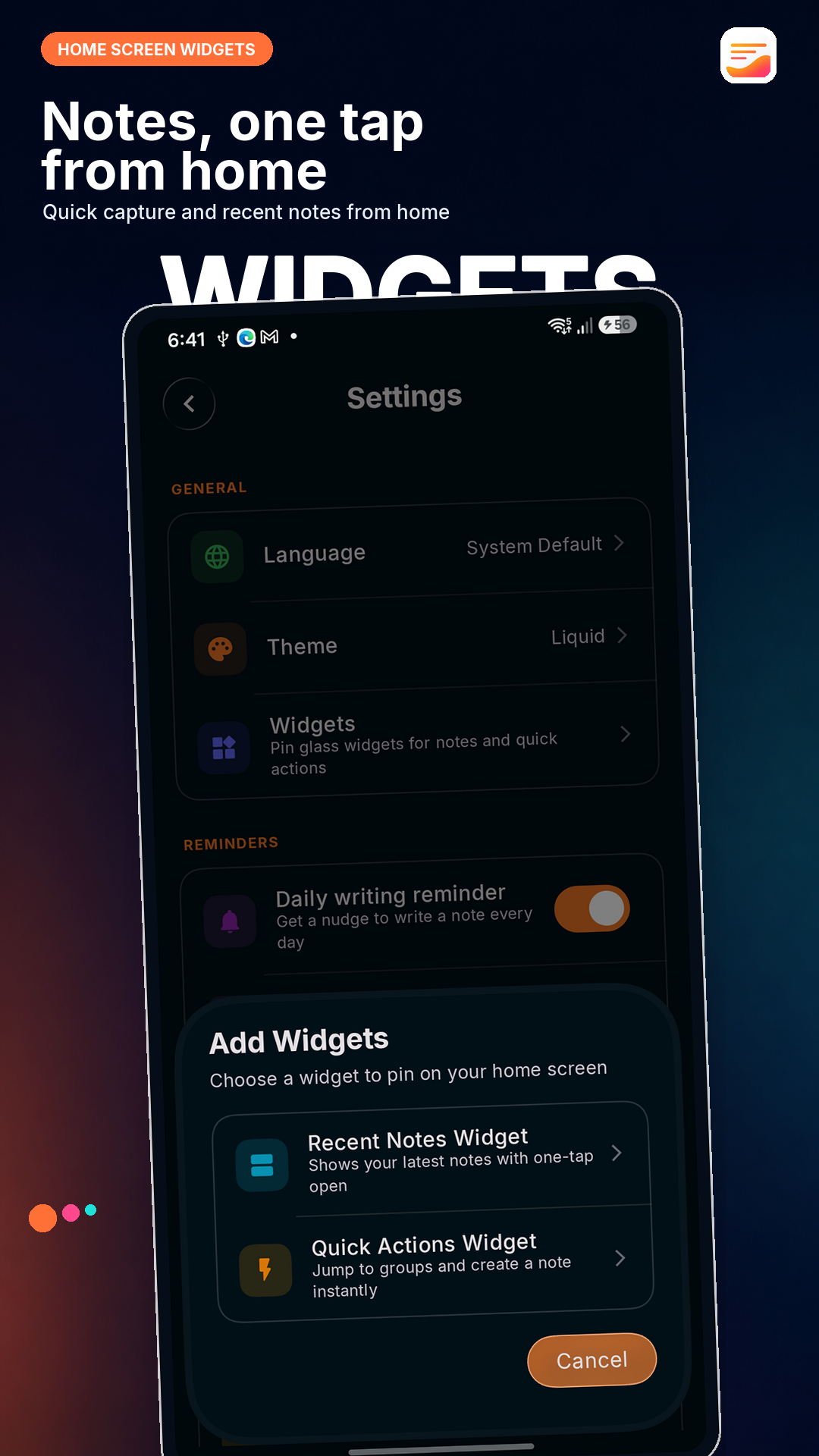
Home screen widgets
See recent notes or open Quick Actions from customizable Android home screen widgets.
Search & organize
Use custom groups, quick search, pinning, sorting, archive and bulk actions to keep every idea findable.
AI writing assistant
Generate, continue, rewrite, summarize or polish writing, with control over when your current note is used as context.
Circle sharing
Exchange rich notes one-to-one with trusted friends using invitations and separate Received and Sent views.
Optional sync & backup
Write offline first, then sign in when you want connected features, device sync or Google Drive backup.
Themes & note colors
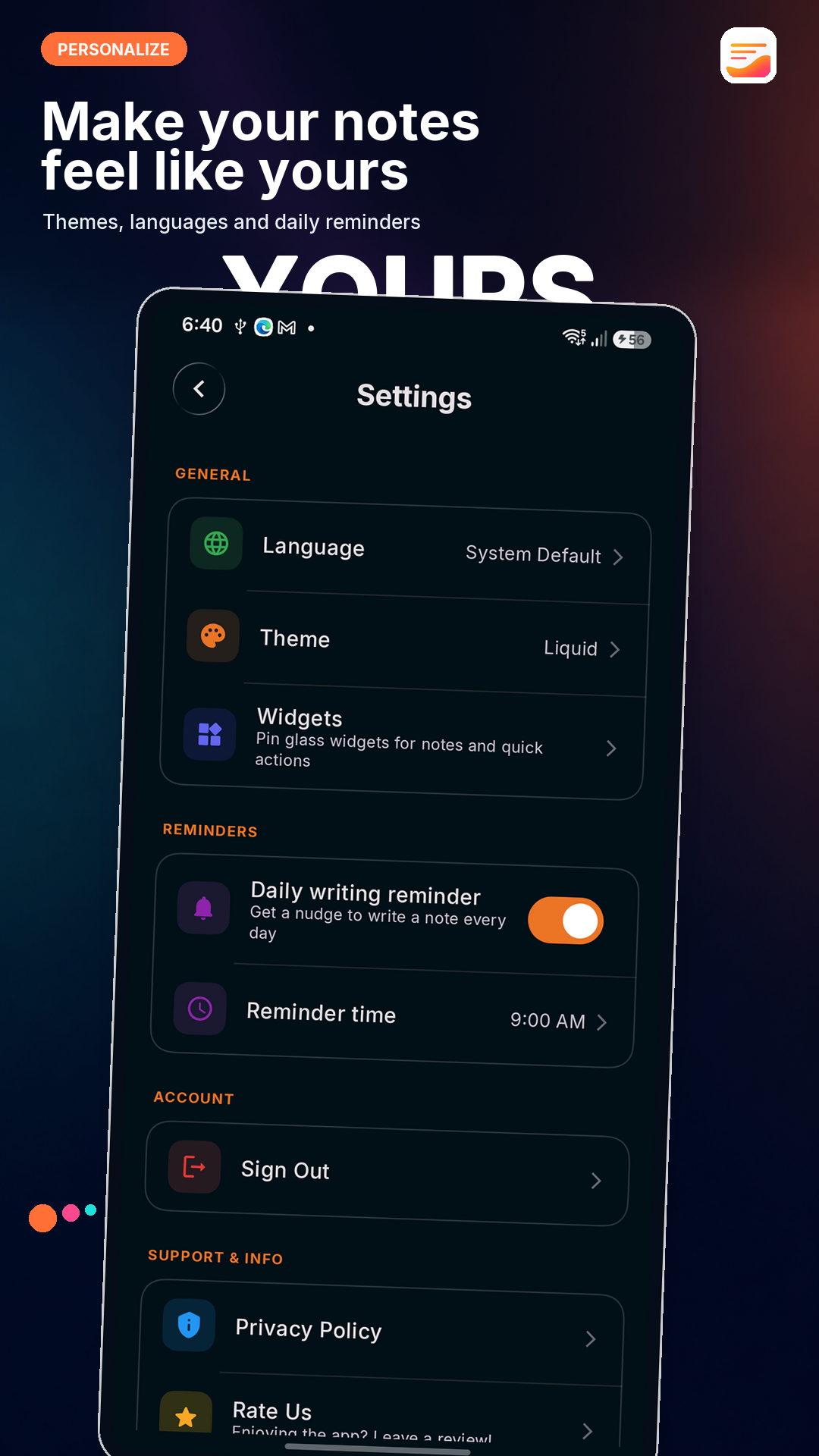
Choose light, dark or system appearance, explore color themes, and make important notes stand out.
Take a closer look
Your thoughts deserve a better home
Capture ideas, manage checklists, set reminders, write with AI and share through Circle. Start offline without an account, then connect only when you choose.
Need to remove your account data? Account deletion instructions